Guides2026-11-293 min read
How to download and install the f0undr OS APK on your Android phone
A step-by-step mobile guide to downloading f0undr-OS-v7.0.1-universal.apk, enabling unknown app installs, and setting f0undr OS as your launcher.
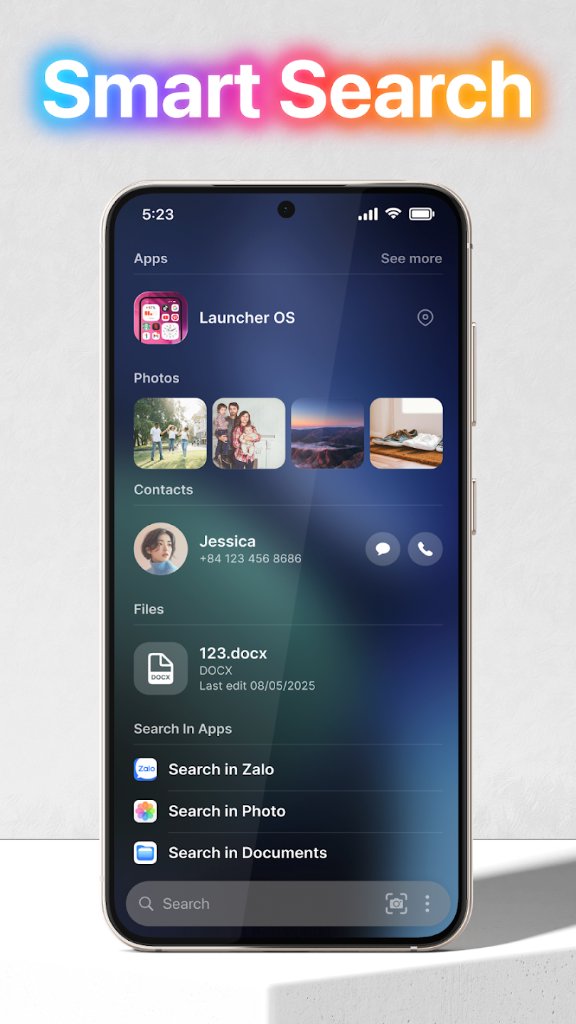
Step 1: Tap Download APK on your phone
Open f0undr Store on your Android browser and tap Download APK on the f0undr OS card. Your browser will download f0undr-OS-v7.0.1-universal.apk (129.5 MB) directly from our server.
Step 2: Open the downloaded file
Once the download finishes, tap Open in your browser notification bar or locate the file inside your Android Files / Downloads folder.
Step 3: Allow installation and launch
If Android prompts you to allow installs from your browser, toggle "Allow from this source", tap Install, and open f0undr OS to start customizing your home screen.
AndroidAPK InstallMobile Guide