f0undr OS2026-11-184 min read
Designing the App Library and Colorful Widgets in f0undr OS
How automatic app categorization and modular widget cards keep hundreds of Android apps easy to reach on mobile screens.
Automatic category folders
Instead of forcing users to sort dozens of icons manually, f0undr OS groups apps into Suggestions, Recently Added, Social, Photo & Video, and Utilities inside the App Library.
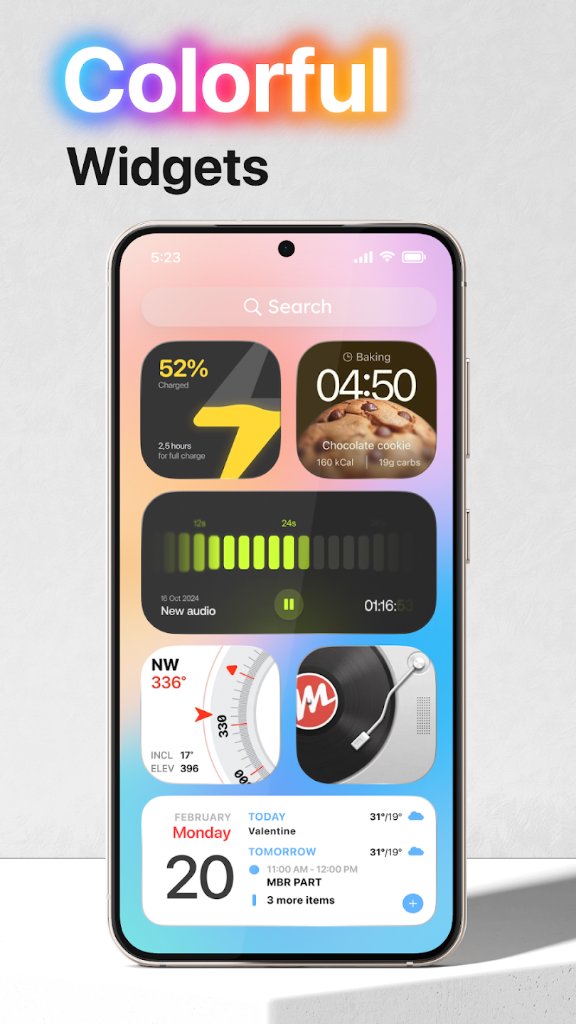
Glanceable widgets that stay legible
From battery charge status and audio playback to weather, compass, and upcoming calendar events, every widget uses high-contrast typography sized for phone screens.
App LibraryWidgetsAndroid UI